


Platform Feature
Tenant Directory Boards and Wayfinding
Mall Maverick delivers static and interactive digital directories for shopping centers — with instant updates pushed directly from your CMS. One change. Every directory. Done.
What Mall Maverick Delivers
Replace printed floor plans with a digital static map that never goes out of date. Update tenant locations, store hours, and amenities instantly from your CMS — no print runs, no design requests, no lag.
Static Digital Directories
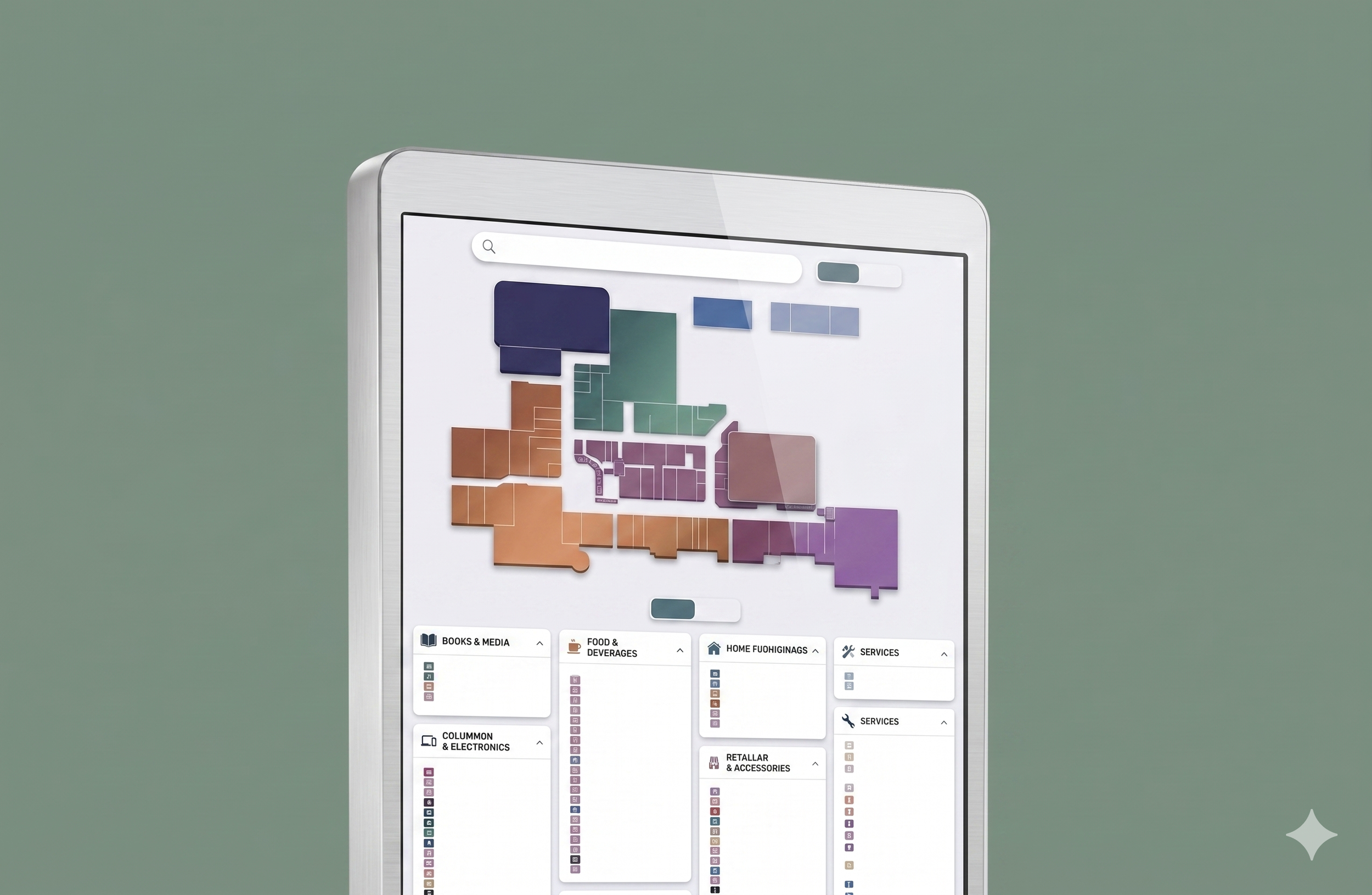

Interactive Touch Directories
Give shoppers an intuitive, touch-enabled experience that helps them find exactly where they need to go — fast. Easy to navigate, impressive to use, and always reflecting your current tenant mix.
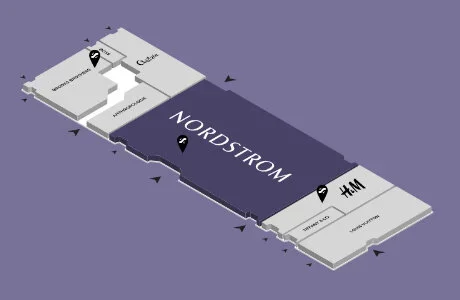
Mall Maverick's dedicated shopping center map design team can illustrate any floor plan in any style — for your website, in-mall kiosks, marketing materials, and mobile. Built for retail centers, by people who know the format.
Custom Map Design

When your team updates a tenant listing in the Mall Maverick CMS, your directories update automatically. No double entry. No separate system. No chasing tenants for information.
CMS-to-Directory Sync

FAQs
Q1: Can Mall Maverick handle directories for mixed-use properties and office towers — not just retail malls?
Yes. Mall Maverick's directory platform is built for any multi-tenant property — shopping centers, mixed-use developments, and office towers. Whether you need a static lobby board listing office suites, an interactive retail map with category filtering, or both within the same building, the platform handles it from one dashboard. One CMS. Every screen. Every property type.
Q2: What's the difference between a static digital directory and an interactive touch directory — and which do I need?
Yes. Pages are built with semantic heading structure, clean URL A static digital directory displays your tenant list and floor map on a screen that updates remotely — replacing printed boards and letter boards with zero reprinting costs. An interactive touch directory adds a searchable, touch-enabled experience where visitors find stores by name, category, floor, or promotion. Most shopping centers benefit from interactive; office towers and mixed-use lobbies often need only static. Mall Maverick offers both, and your team chooses per property
Q3: How do directory listings stay accurate when tenants move, change hours, or open new locations?
Two ways. First, when your team updates a tenant listing in the Mall Maverick CMS, those changes push to your digital directories automatically — no double entry, no separate system. Second, tenants can update their own store hours, phone numbers, and promotions directly through a self-serve portal. Your team approves changes in one click. The result: accurate directories without adding to anyone's workload.
Q4: Can we manage directories across multiple properties from one place?
Yes — portfolio-wide directory management is one of Mall Maverick's core capabilities. Push an update to one property or all twenty at once. Each property keeps its own branded design and layout while being managed from the same dashboard. For operators running five or more properties, this alone eliminates dozens of hours of manual work per month.
Q5: Do Mall Maverick directories work with our existing in-mall kiosk hardware?
Yes. Mall Maverick works with leading digital directory hardware and software partners including Cineplex Digital Media, YourHere, Mappedin, and others so your directory content stays connected regardless of the hardware on your floor. The platform's dedicated map design team can also custom-illustrate your floor plans for any screen size, orientation, or brand standard. Whether you're upgrading existing hardware or installing new, the directory always looks purpose-built for your property.
Stop Updating Directories Manually.
See how Mall Maverick keeps your static and interactive directories accurate across every property — updated instantly from the same CMS your team already uses.